Playing PlayStation 1 Games on PC
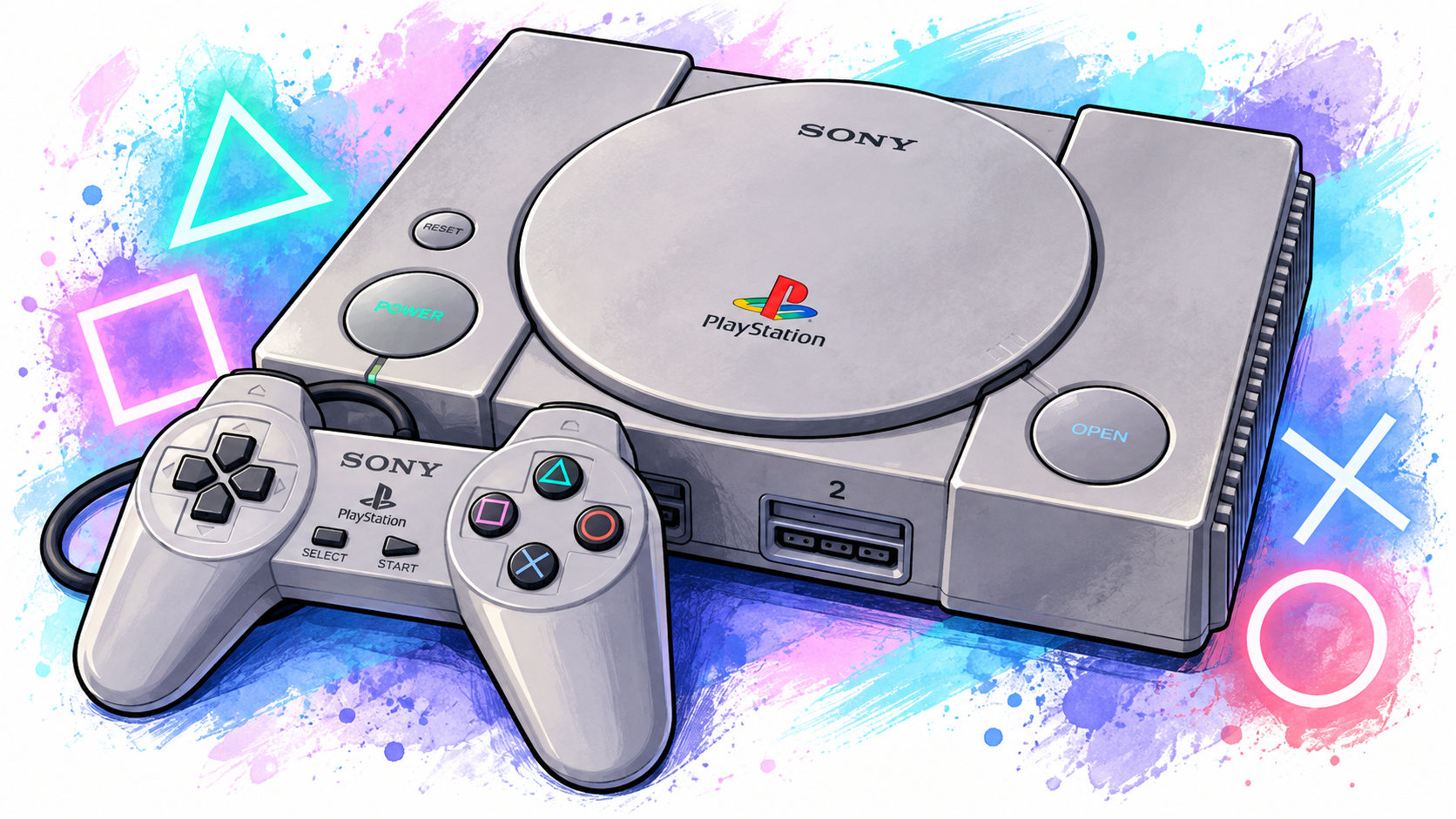
If you fancy playing some of your favourite PlayStation 1 games again, but don’t want to dig out an old PS1, there are several emulators available that can do the job.
DuckStation is my preferred PS1 emulator. I find it easy to set up and use, and it has some really useful features that make playing PS1 games on a modern PC much more enjoyable. Click here for a video tutorial.
Why I Use DuckStation
There are a few reasons why DuckStation is my emulator of choice.
One of the things I particularly like is that you don’t need separate key-mapping software to configure your controller. You can set up your controller directly within DuckStation, which keeps things nice and simple. (However, if you do want to use one, JoyToKey is my favourite.)
Duckstation also supports achievements, so if you enjoy trying to complete games or collect achievements, you can opt into that as well. It also has built-in memory cards so you should be able to save your games with no issues.
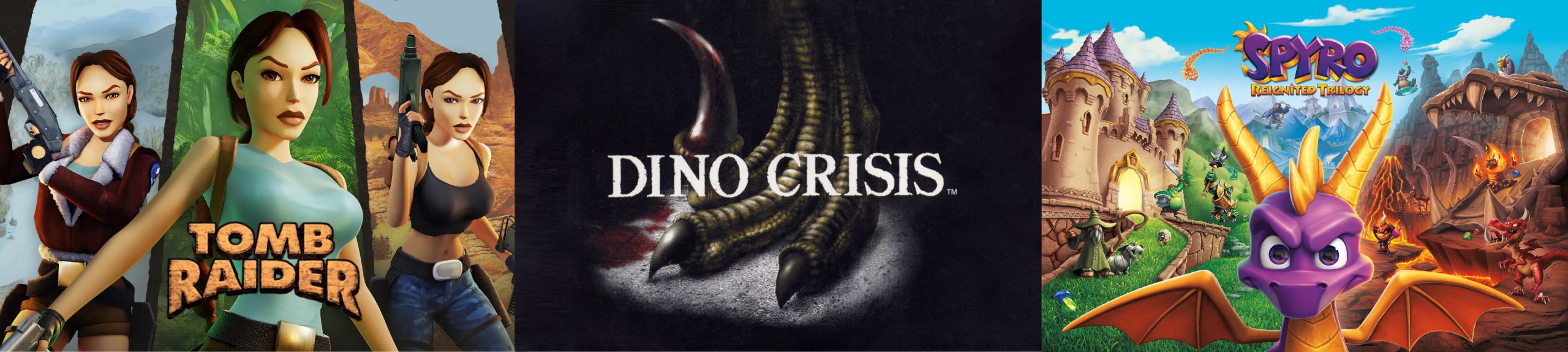
One thing I love is that within the game property options, you can ‘patch’ the game to show at a widescreen resolution. This is great for those of us who want to record videos for YouTube or other social media. I’ve only tried this with the first 3 Spyro games and it’s working perfectly so far.
DuckStation also has plenty of graphical options, allowing you to improve the appearance of older PS1 games on a modern monitor while still keeping the games looking like the classics we remember.
I also like that you can play the games in a window. It makes it easier to take screenshots and video clips if you want to share them on social media.
What Do I Need?
To get started, you’ll need:
- A Windows PC or Android device. Other devices are mentioned on the download page.
- DuckStation
- A PlayStation 1 BIOS
- Your PS1 game
You can download DuckStation directly from the official website: Download DuckStation
I’d definitely recommend getting it from the official website rather than downloading it from one of the many third-party sites that offer emulator downloads.
What About the Games?
This is where we need to be a little careful.
Rather than downloading PS1 games from random ROM websites, this guide is aimed at people who own the original games and want to play them on their PC.
You can create your own digital copy of a PS1 disc and then use that with DuckStation. This means you can enjoy your original games without having to put the physical disc into the PlayStation every time you want to play.
If your game has multiple .bin files, you may also need a .cue file. DuckStation even provides a handy PS1 Cue Maker on its website for creating missing cue files from your own BIN files.
What About the BIOS?
DuckStation needs a PlayStation BIOS to run, but the emulator doesn’t provide one.
For this reason, you should obtain the BIOS from a PlayStation that you own rather than downloading a BIOS file from the internet.
We won’t be linking to BIOS download sites here.
What is a PlayStation BIOS?
A BIOS is a small piece of software built into the original PlayStation. When you switch on a real PS1 without a game inserted, the BIOS is what gets things started and brings you to the familiar PlayStation startup screen. An emulator such as DuckStation needs a copy of this software because it is using your PC to recreate the functions of the original console.
DuckStation requires a PS1 BIOS to run, but the developers don’t include one with the emulator. Their reason is simple: the BIOS is Sony’s copyrighted software, so DuckStation cannot simply distribute a copy of it. The DuckStation documentation recommends creating a copy from your own PlayStation instead.
Why can’t I just download a BIOS?
You will find plenty of websites offering PlayStation BIOS files and game files for download, but we won’t be linking to them.
The problem isn’t the emulator itself. DuckStation is legal software and is freely available from its official website. The issue is the BIOS file. It is copyrighted software belonging to Sony, and downloading a copy from a website is not the same thing as obtaining it from a PlayStation that you own.
Copyright law protects software, and copyright generally prevents people from copying or distributing copyrighted material without permission unless a specific exception applies.
There are specific provisions in UK law allowing a lawful user of a computer program to make a necessary backup copy for their lawful use, but that doesn’t mean you can simply download somebody else’s copy from the internet.
For that reason, the safest approach is to dump the BIOS from your own PlayStation and use that with DuckStation.
Do I need the original PlayStation?
If you’re going down the fully legitimate route, yes, you’ll need access to a PlayStation from which you can obtain the BIOS.
You don’t need to keep the console connected to your PC afterwards. Once you’ve obtained your own BIOS dump, DuckStation can use that file whenever you want to play your games.